 Tiny Eden
Tiny Eden grow lights
Grow lights are one of two light tools in Tiny Eden. The official FAQ names them as the way to add light when a plant's position cannot supply enough, with shading nets doing the opposite for spots that are too bright. Light is otherwise determined by where you put the plant.
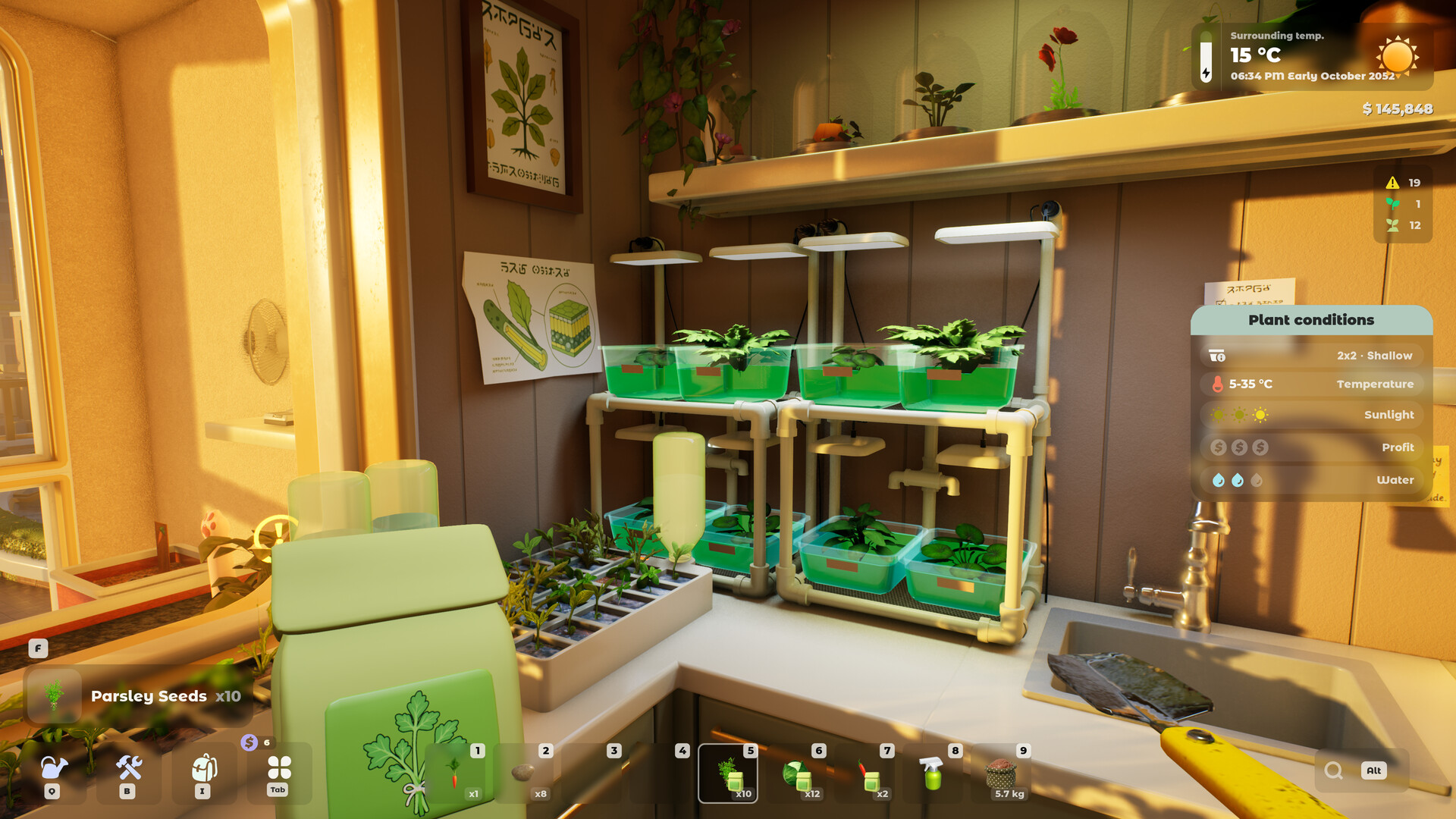
Placement first, equipment second
The FAQ frames light as a consequence of placement: light depends on where you place the plant. Grow lights are the correction, not the primary control.
Since each room and balcony has its own environmental conditions, moving a pot is the cheaper experiment. It costs nothing and often resolves the warning outright.
The pair: nets down, lights up
Only two light tools appear in the official FAQ. Shading nets reduce light; grow lights add it. The existence of nets tells you over-exposure is a real failure mode, not just under-exposure.
Neither tool has published numbers. The FAQ does not say how much light a grow light contributes, so the workflow is to watch the light row on the plant panel and install one and read the plant's condition panel. One player reported grow lights doing nothing in launch week alongside heaters, and the developers answered the two as one bug (when a heater does nothing).
- Grow lights — add light indoors or in shaded corners
- Shading nets — cut light on the rooftop or bright balconies
Grow lights are visible in the official footage
The Demo trailer released by the publisher shows a lit growing setup: a plant with flower spikes growing under a vertical yellow light source, in a room with no strong daylight.
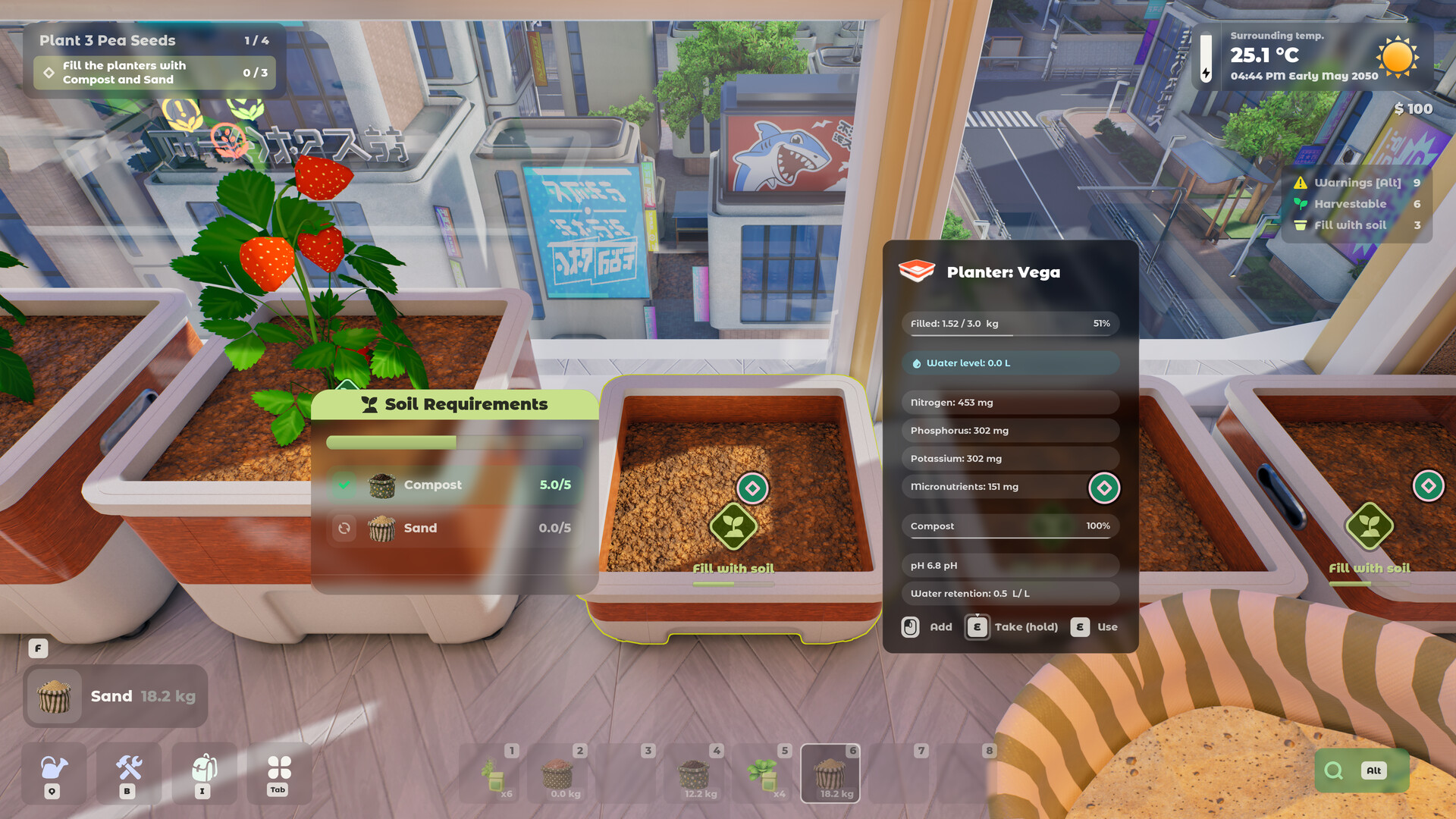
The same footage shows the plant condition panel that drives these decisions, listing a light requirement alongside planter size, soil type, a temperature band, a feeder class and a pollination flag.
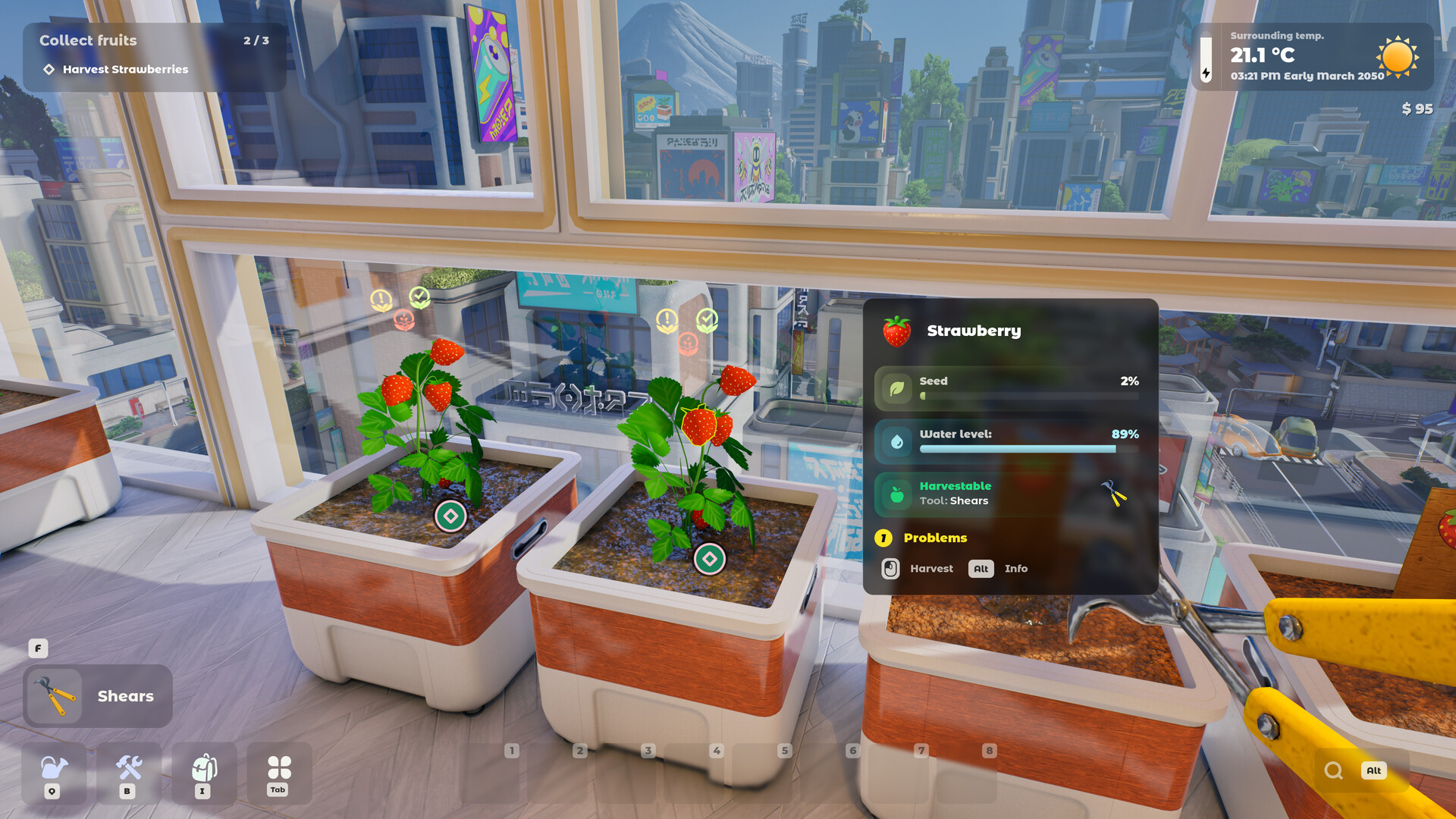
Adding light can create a heat problem
Light and temperature are separate axes, and the FAQ orders spaces by warmth: indoors is warmest, balconies are in the middle, rooftops are coldest. Heaters and air conditioners control that axis.
In practice the two interact. The rooftop offers the most exposure and the least warmth, so a species that wants both light and heat may need a lit indoor position rather than an outdoor one.
What grow lights do not solve
A grow light does not change soil. If the mix is wrong on NPK, aeration, water retention or acidity, adding light will not compensate — those are read separately by the plant.
It also does not change planter size, which the condition panel lists as its own row. A cramped plant stays cramped under a lamp.
Placement is free, equipment is not
Every room and balcony has its own conditions, and the apartment can expand into new rooms plus the rooftop. That gives you a lot of positions to test before buying anything.
The rooftop is the exposed extreme, and some species can only be grown there. It is also the coldest of the three zones, so light gained there can cost warmth.
What the condition panel tells you
Light appears as one row on the plant panel, alongside planter size, soil type, a temperature band, an income tier, a feeder class and a pollination flag. Each is read separately.
Because the panel shows a requirement rather than a live meter for every field, the practical test is to change one thing and re-read it. There is no time pressure forcing you to get it right first try.
A community sheet's light and heat table for about 20 crops, and players' notes on lamps for zucchini and parsley, are on the greenhouse page.
What Update #10 added for lamps
Update #10 on 21 September put lighting into the Shop: a wall lamp, grow lights and wall-mounted lights, next to the coffee machine it also added. The notes give no light values for them, so the advice above still stands: place one, then read the light row on the plant panel.
Information cards for electrical devices, lamps and grow lights included, now show whether the device consumes or generates power and whether it is currently switched on. That should make it easier to see which lamps are off; the notes list no keep-on setting. Players asked in a 19 September thread for a master switch or a toggle that keeps them on; the developers had not replied in it by 21 September. The full thread and the electricity-bill answer are on the greenhouse page.
See it running
Not confirmed yet
- No numeric light values are published.
- Whether grow lights add heat as a side effect is not stated.
- How much light the grow lights added in Update #10 give is not stated.
Frequently asked
- Do I need grow lights in Tiny Eden?
- Only where placement cannot supply enough light. The FAQ treats light as position-determined first.
- What reduces light instead?
- Shading nets — the other of the two light tools named in the official FAQ.
- How much light does a grow light add?
- Not published. The FAQ names the tool without giving values (unconfirmed).
Sources
- Official Tiny Eden FAQ (Steam, 4 May 2026)
- Official Demo trailer (Digital Vortex Entertainment)
- Steam thread: “Heater doesn't work on walls”
- Tiny Eden – Planters & Plants (unofficial community spreadsheet, linked by the developers on Steam)
- Update #10 patch notes (Steam, 21 Sep 2026)
- Steam thread: “LIGHTS?”
Every fact here is drawn from the official sources above. Points the developers have not confirmed are marked as not confirmed rather than guessed.