 Tiny Eden
: music and audio
Open Settings from the pause menu and use the audio sliders to turn the music down or off without muting the rest of the game; the store lists Custom Volume Controls. To listen outside the game, the Soundtrack is sold on Steam as a $2.99 DLC.
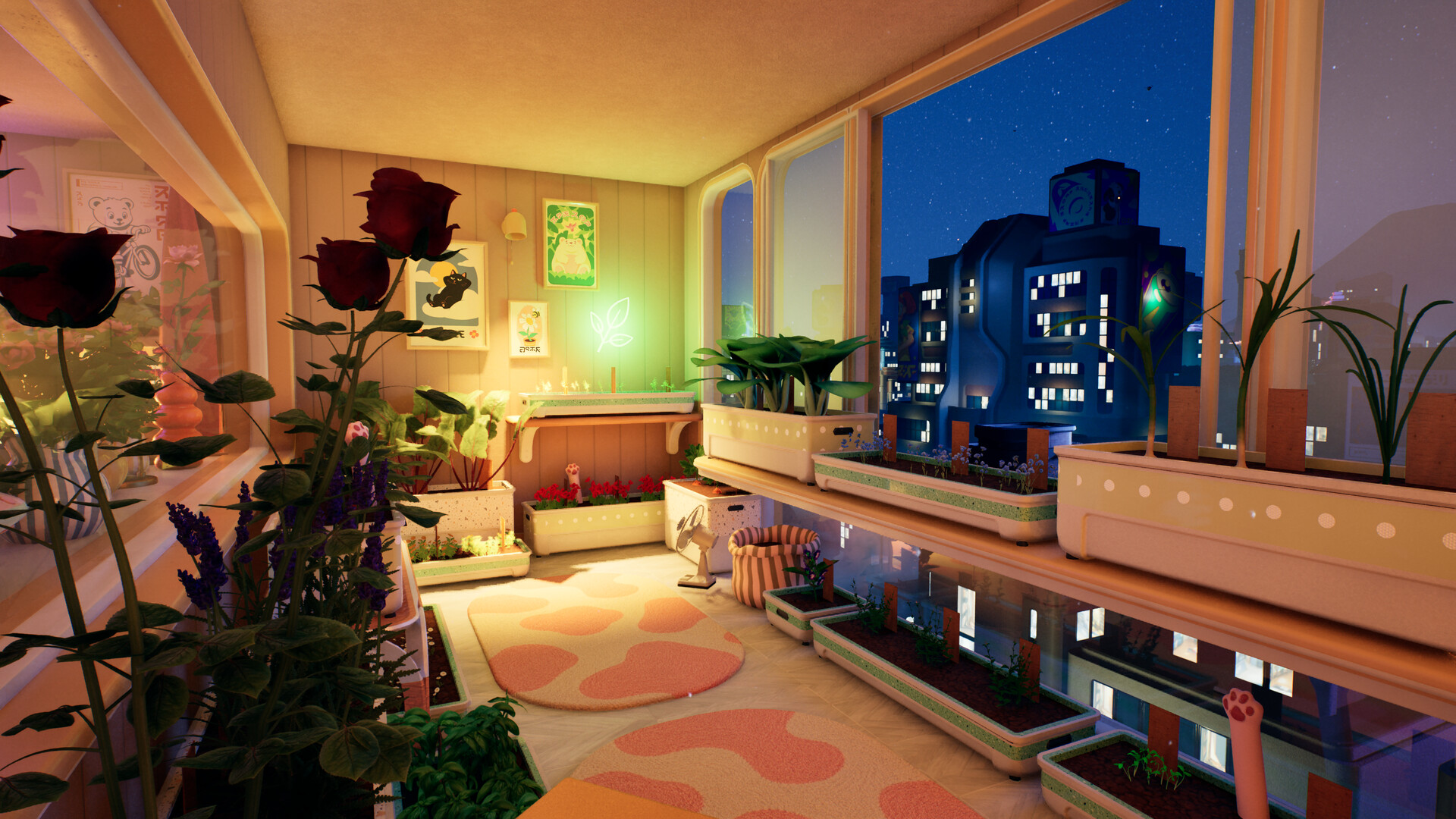
- Settingswhere the volume sliders are
- $2.99Soundtrack DLC
- Custom Volumelisted on the store page
- #10fixed weeding and watering-can sounds
Turning the music down
Step 1: Press Esc
Opens the pause menu.
Step 2: Open Settings
Then the audio section.
Step 3: Lower the music slider
Other sounds keep their own levels.
Listening outside the game
The Soundtrack DLC puts the game's music in your Steam library as a separate download. It costs $2.99 in the US; regional prices are on the price page.
Missing or wrong sounds
Update #10 fixed the sound effects for removing weeds and filling the watering can. If other sounds are missing, check each slider in Settings and load the game on the current version; audio fixes have landed in several patches. See the patch notes.
Sound and comfort options
The store lists Camera Comfort, Color Alternatives and Custom Volume Controls among its accessibility features, and the game has no timed inputs. A Field of View slider was added in Update #4. Controller settings are covered on controller support.
Frequently asked
- How do I turn off the music in Tiny Eden?
- Esc, Settings, audio, then lower the music slider.
- Can I listen to the Tiny Eden music outside the game?
- Yes, the Soundtrack is sold on Steam as a $2.99 DLC.