 Tiny Eden
Tiny Eden: removing shop items and clutter
You can customise the apartment extensively in Tiny Eden — walls, floors, materials and furniture — but not everything can be cleared. The official FAQ states that some elements like the kitchen and the lab are fixed, and that you can customise materials but not the layout geometry.

What you can change
The FAQ confirms a broad set of customisation options: you can change walls and floors, expand your apartment, and unlock rooftop space.
Asked whether the whole apartment can be dedicated to plants, the developers answer that there are some fixed elements like the kitchen or lab, but otherwise yes. That is the clearest statement of what is removable.
One thing that cannot be moved yet is the cat bed. A player asked on 21 September and a developer answered that they want it in the future, that it was originally planned to be movable "now", and that moving it caused odd bugs in which Bimbus, the cat, vanished completely, so it is still work in progress.
- Walls and floors — changeable
- Materials — customisable
- Apartment size — expandable, plus rooftop unlock
- Layout geometry — not changeable
- Kitchen and lab — fixed, cannot be cleared
The kitchen and lab stay put
Two rooms are named as fixed: the kitchen and the lab. Both are load-bearing for core systems — cooking runs the economy, and research drives breeding.
That means a fully plant-only apartment is not achievable. Planning around those two fixtures rather than trying to remove them is the practical approach.
Clutter is a live discussion topic
Clutter appears as a thread title in the game's own Steam Community discussion board, alongside topics like the pot menu and demo stability. That confirms players are raising it with the developers directly.
The contents of those threads are player reports rather than official statements, so this page does not present community workarounds as confirmed behaviour.
Decoration is a supported play style
The FAQ treats decorating as one of two legitimate ways to play: you can relax by growing plants and decorating your apartment, or focus on efficiency, production systems and breeding.
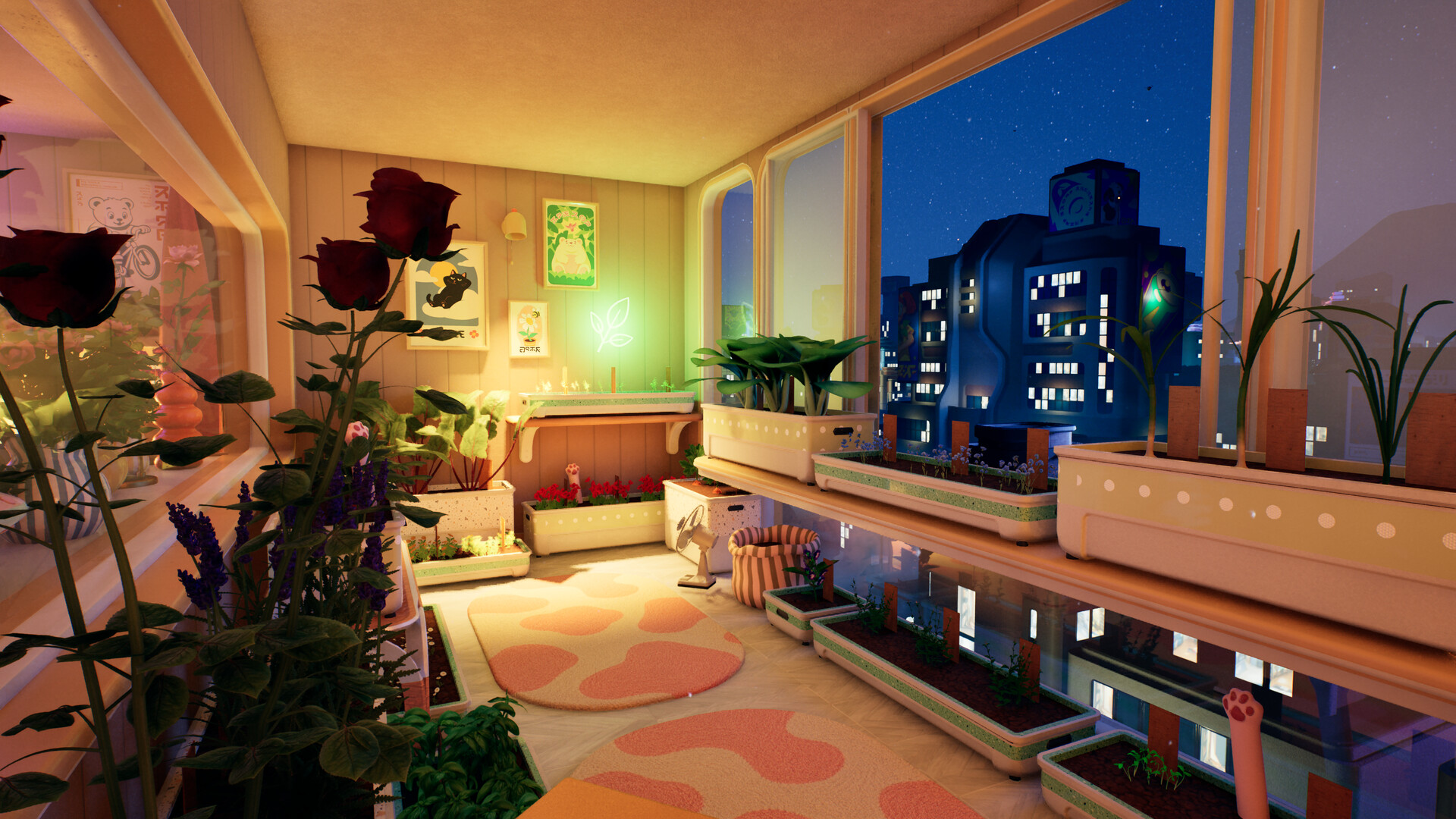
Furniture and decoration therefore are not clutter by design — they are part of the intended experience, which is why the customisation options are as broad as they are.
Demolishing furniture and planters
Update #4 on 11 September gave the first official rule on this: an object must now be empty before it can be demolished, and a notification tells you if something is still inside. The same patch gave a Trading perk its own name, Complete Disassembly, which makes dismantling an object return 25% more resources.
The tool, according to players, is a sledgehammer bought from the shop; with it equipped, anything destructible shows a destroy prompt. Players report that furniture can be destroyed but decorations such as pictures cannot, and that a planter needs its plant removed and its soil cleared with the trowel before the sledgehammer will take it. Selling or storing a placed item is still not documented (unconfirmed).
Update #6 on 14 September added two exceptions players had asked about: the greenhouse can now be dismantled, and the large colored greenhouse can now be moved. Emptying a planter first is covered on the planters page.
- "when you equip the sledgehammer and approach an opject, the tooltip shows "(lmb-icon) destroy" if it is destructible."
- "and none of the decorations are, only the furnitures."
Getting rid of bought lamps, fans and heaters
Several players asked on 16 to 19 September for a way to sell or discard purchased items such as fans, lamps, heaters and shelves, because they pile up in the apartment. On 16 September a developer noted the request, said the team was starting to look at quality-of-life suggestions as well as bug fixes, and gave the two options that exist now.
Players add the limits. The sledgehammer works on things you have crafted or built, and the way to tell is its tooltip: if it shows a destroy prompt, the item can go, and you get back some of the materials but not all. One player tried it on light bulbs and it did nothing, and another reads it as only working on what you built.

- Sledgehammer: breaks down crafted items and returns some materials
- The main cabinet behind EN-G1: stores almost anything, so players use it to dump clutter
- Selling or discarding a bought item: a request the developers have noted, not a feature yet
What expansion actually unlocks
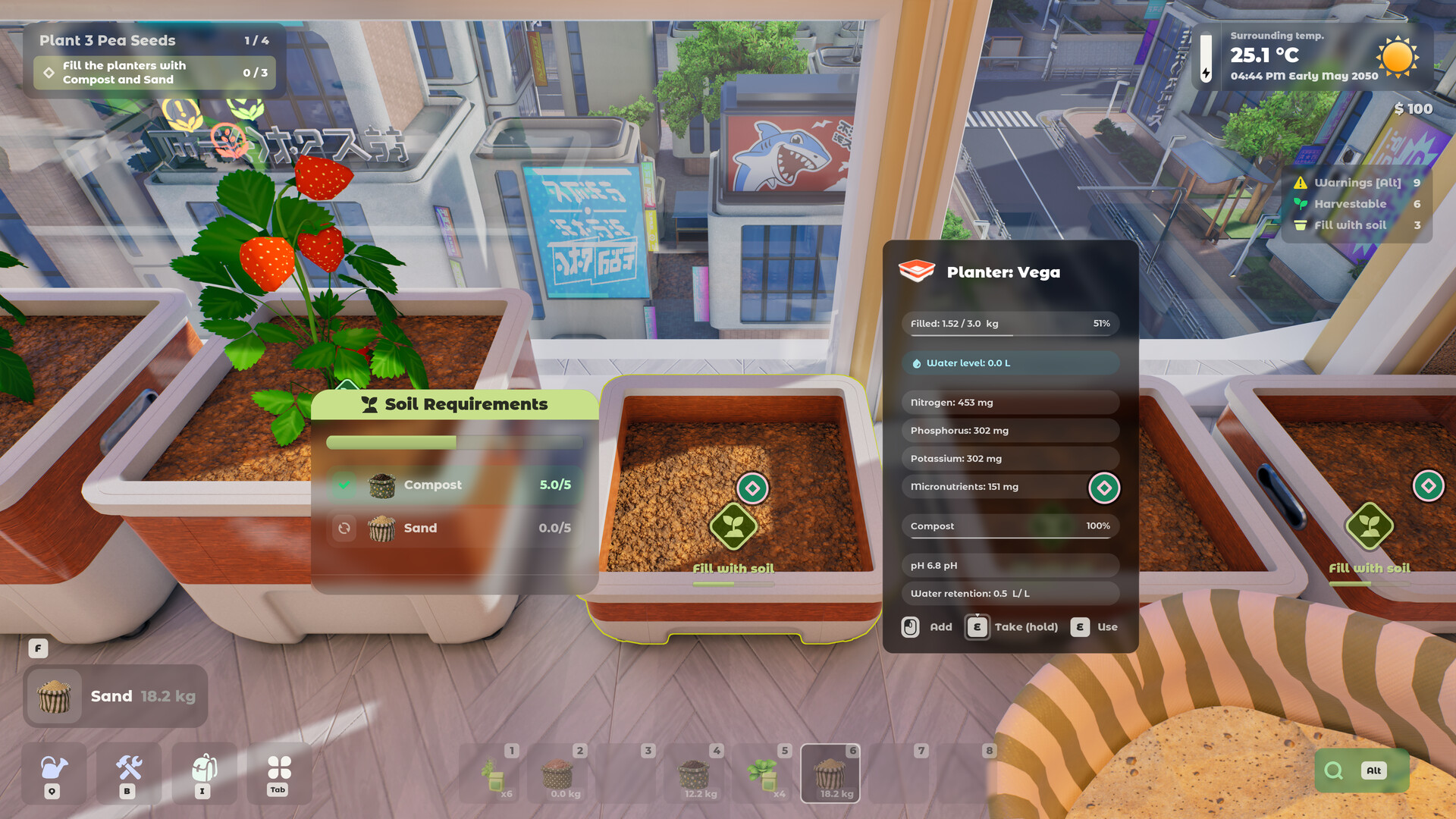
Renovation is not only cosmetic. You can expand the apartment into new rooms and unlock rooftop space, which raises the ceiling to several hundred plants indoors and on the rooftop combined.
Each room and balcony carries its own environmental conditions, so a new room is new growing conditions rather than just more floor area.
Not confirmed yet
- Whether decorations will become removable is not stated.
- How many resources dismantling returns without the Complete Disassembly perk is not stated.
Frequently asked
- Can I remove the kitchen in Tiny Eden?
- No. The FAQ names the kitchen and the lab as fixed elements.
- Can I change my apartment layout?
- You can customise materials but not the layout geometry, per the official FAQ.
- How do I get rid of a placed item?
- Players demolish furniture and planters with a sledgehammer from the shop, and since Update #4 an object must be empty first. Players report decorations cannot be destroyed, and selling or storing a placed item is not documented.
Sources
- Official Tiny Eden FAQ (Steam, 4 May 2026)
- Tiny Eden Steam Community discussions
- Official Demo trailer (Digital Vortex Entertainment)
- Steam thread: “Sell/destroy furnitures and planter boxes?”
- Steam thread: “Option to discard items”
- Steam thread: “Option to Sell or Destroy Purchased Items”
- Update #4 patch notes (Steam, 11 Sep 2026)
- Update #6 patch notes (Steam, 14 Sep 2026)
- Steam thread: “Cat bed”
Every fact here is drawn from the official sources above. Points the developers have not confirmed are marked as not confirmed rather than guessed.