 Tiny Eden
 storage: fridge, cabinets and stack sizes
Storage containers and Display Cases hold stacks of up to 999 since Update #10, and since Update #11 the fridge, cabinets, side tables and Parcel Box share one screen with tabs, sorting and move-one or move-all buttons. Stacks shrink back to inventory size when you take items out. The cabinet behind EN-G1, the apartment drone, holds almost anything.
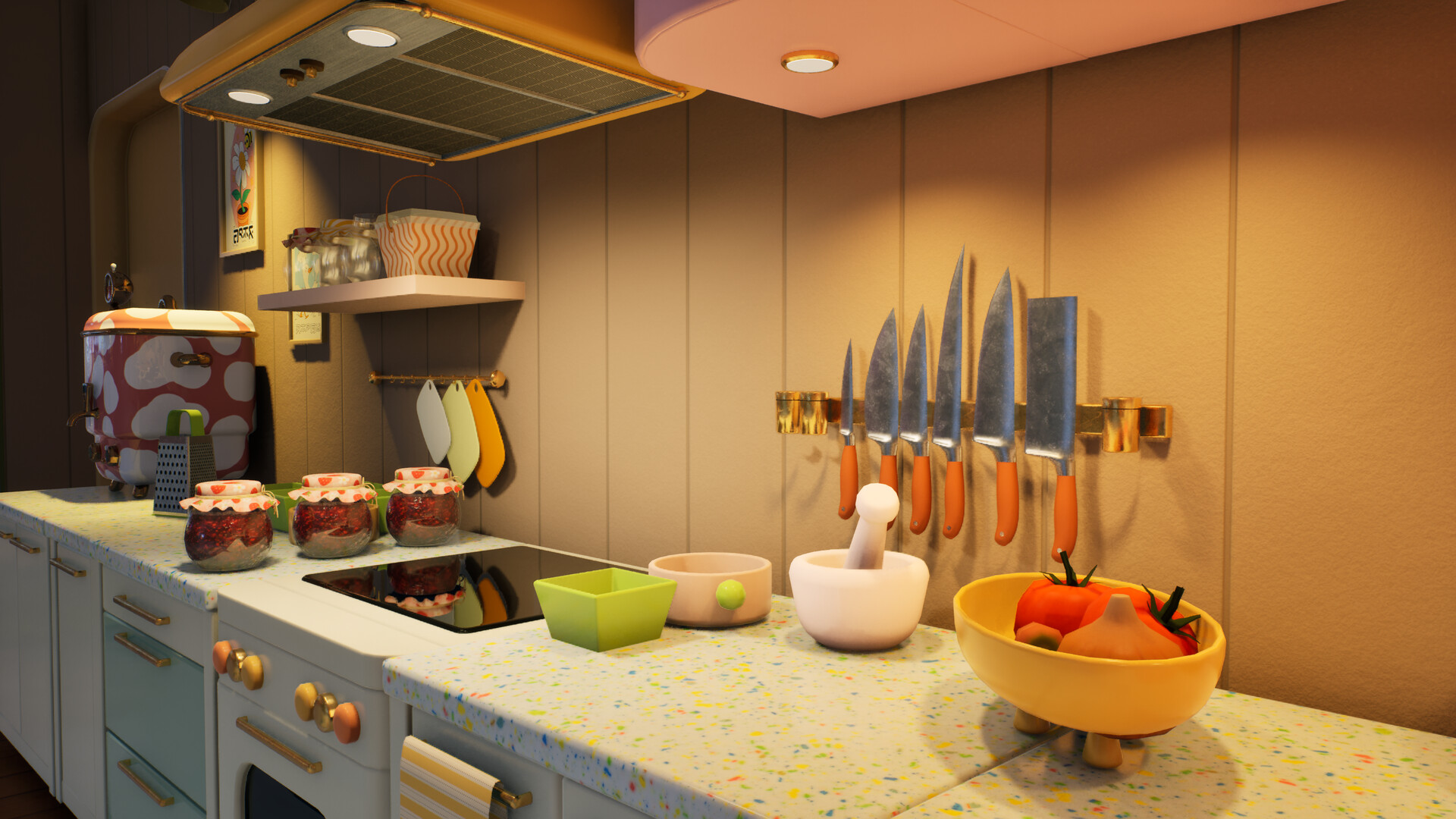
- 999stack size in storage and Display Cases
- 4 tabsAll, Plants, Produce, Other
- +10slots added to the Large Cabinet
- EN-G1the cabinet behind it stores almost anything
The storage screen
Fridges, cabinets, side tables and the Parcel Box use the same style of screen; they do not become one shared pool of items. Tabs split it into All, Plants, Produce and Other, and the arrows move one item or everything at once. Since Update #12 the screen remembers your sorting choice and shows the slots available in that container.
Step 1: Pick a tab
Produce for harvests, Plants for seeds and seedlings.
Step 2: Sort the list
Choose the order before searching a long list.
Step 3: Move one or move all
Move all empties a stack in one click.
Soil, seeds and deliveries
Paid for something that never appeared? Check the Parcel Box before repurchasing it. Recipes and blueprints need collecting too; a missing recipe at the stove can be an uncollected delivery.
| Item or action | Update #12 change |
|---|---|
| Soil Bags and Seed Packs | Larger stacks; check the limit shown for your item |
| Move All on partly used soil | Transfers fractional liters instead of getting stuck |
| Empty stacks in the Parcel Box | Removed, including repair when an affected save loads |
| Moving a key individually | Keys no longer disappear; missing ones restored on load |
| Retrieving from fridge or Parcel Box | Arrow keys, Enter and Space supported |
Stack sizes and quality
Items stack to 999 inside storage containers and Display Cases. Your own inventory keeps smaller stacks, usually 8 for produce, so taking a stack of 40 chamomile out gives you one stack of 8 at a time. Put items back to merge them.
Since Update #11, items of different quality no longer share a stack. That makes it easy to hand in one quality for an order or a project, which stops requirements splitting into a second slot; see the Drone Station page.
Which container to use
Keep the crops needed for your open orders in the fridge and sell the surplus. Cooking before selling can earn more than selling raw produce.
| Container | Best for |
|---|---|
| Fridge | Crops and dishes for orders; the chef drone fills it |
| Cabinet behind EN-G1 | Everything else, with practically no limit |
| Large Cabinet | Tools and materials; 10 more slots since Update #11 |
| Drone Station | Seeds and supplies for drones; storage works again since Update #11 |
| Display Case | Items for sale in the Tiny Market |
| Parcel Box | Deliveries; empty it into storage |
Getting rid of clutter
Items you no longer need can be destroyed since Update #11: empty them and use the sledgehammer. See removing shop items. Update #10 also fixed an issue that could duplicate items when loading a save.
Frequently asked
- What is the stack limit in Tiny Eden?
- 999 in storage containers and Display Cases. Inventory stacks stay smaller.
- Why do my stacks split when I take them out?
- Your inventory uses smaller stacks, usually 8 for produce. Put items back to merge them.
- Where can I store everything?
- In the cabinet behind EN-G1, which holds almost anything.